
#000
True black, truly sharp
Opaque windows with corners drawn by Windows keep full ClearType text. On OLED the black pixels are simply off, so each card floats on your wallpaper.
Free & open source · Windows 10 & 11
Small, sharp, true-black widgets pinned under your apps. 26 of them one click away, sandboxed, scriptable, and yours to build.
On your desktop
Widgets live on the desktop itself. Not in a sidebar, not in a gadget panel.
Open anything. Widgets stay at the bottom of the stack and never steal focus while you type.
Show the desktop and your widgets are right where you left them.
Edit mode: drag, snap, resize and zoom. Lock everything when you're done.
The catalog
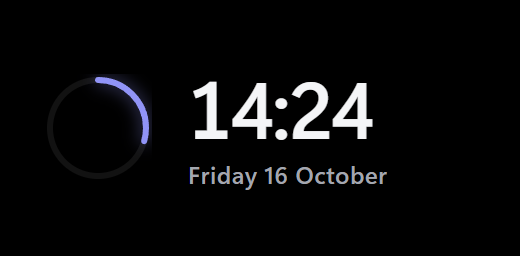
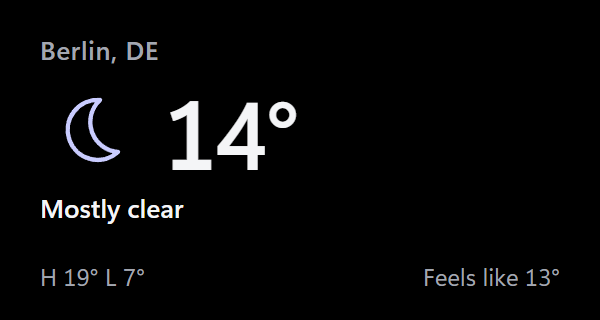
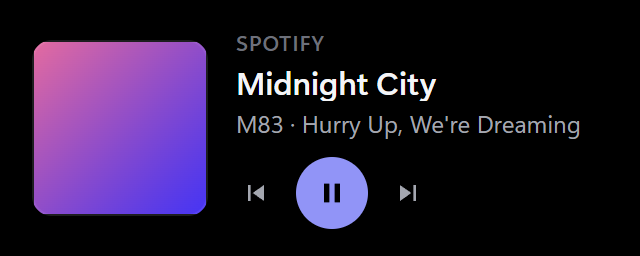
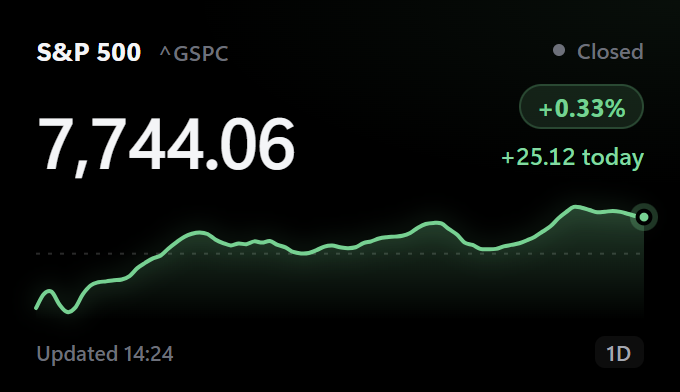
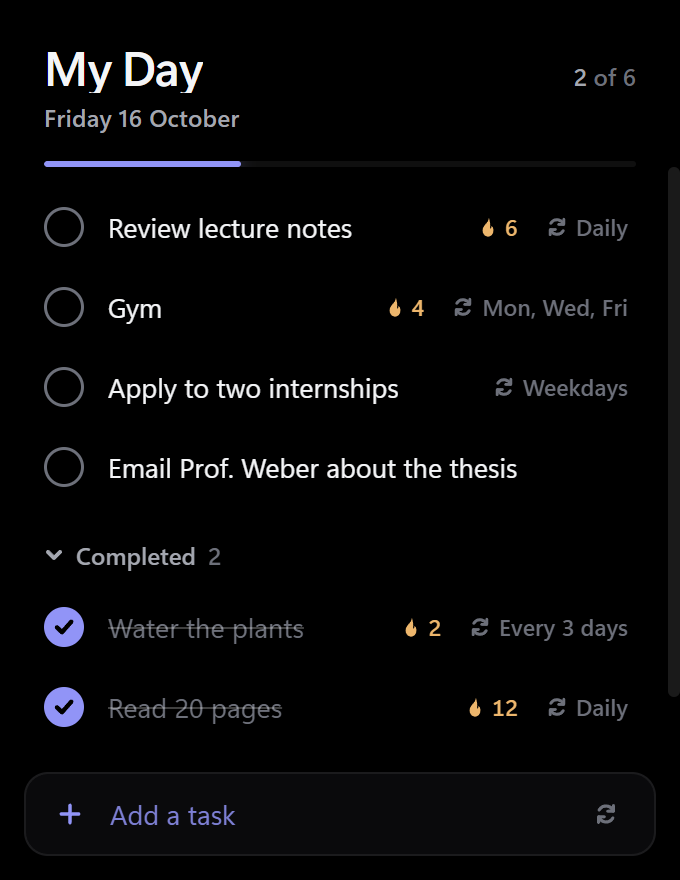
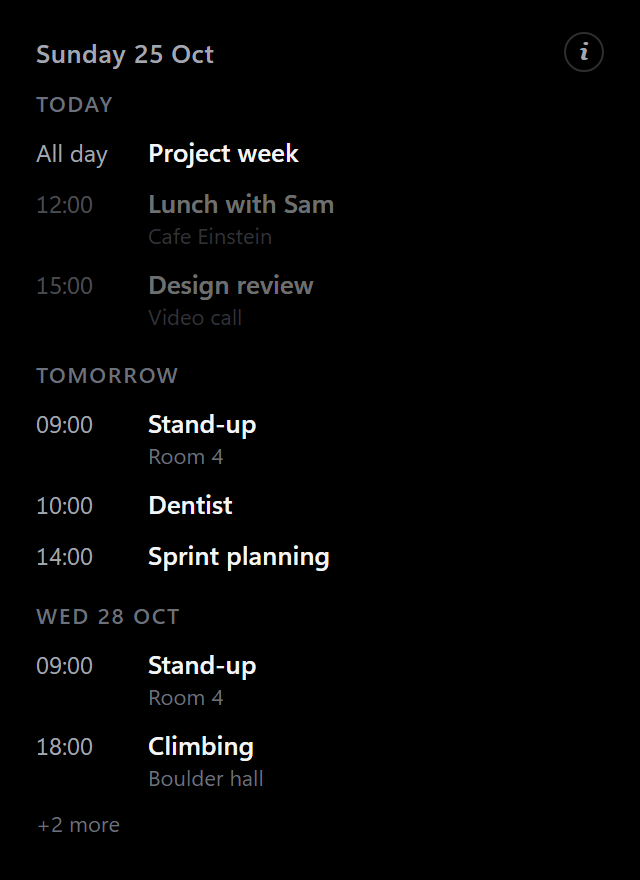
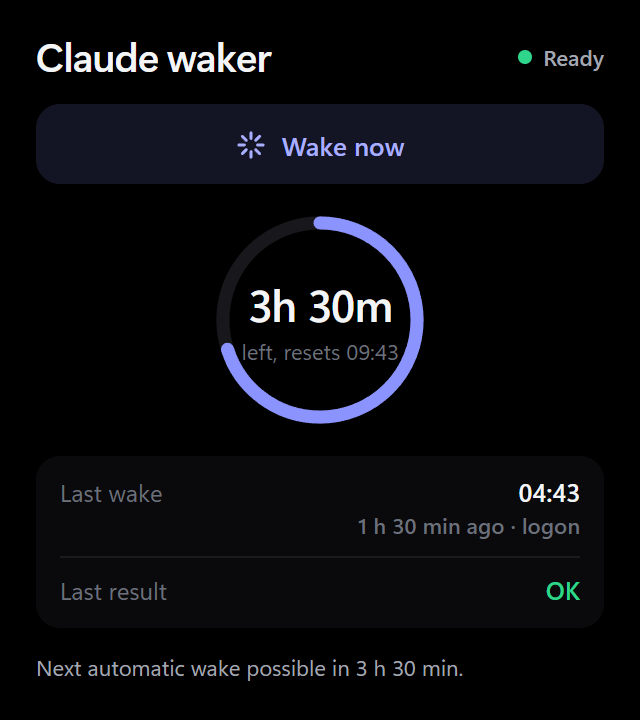
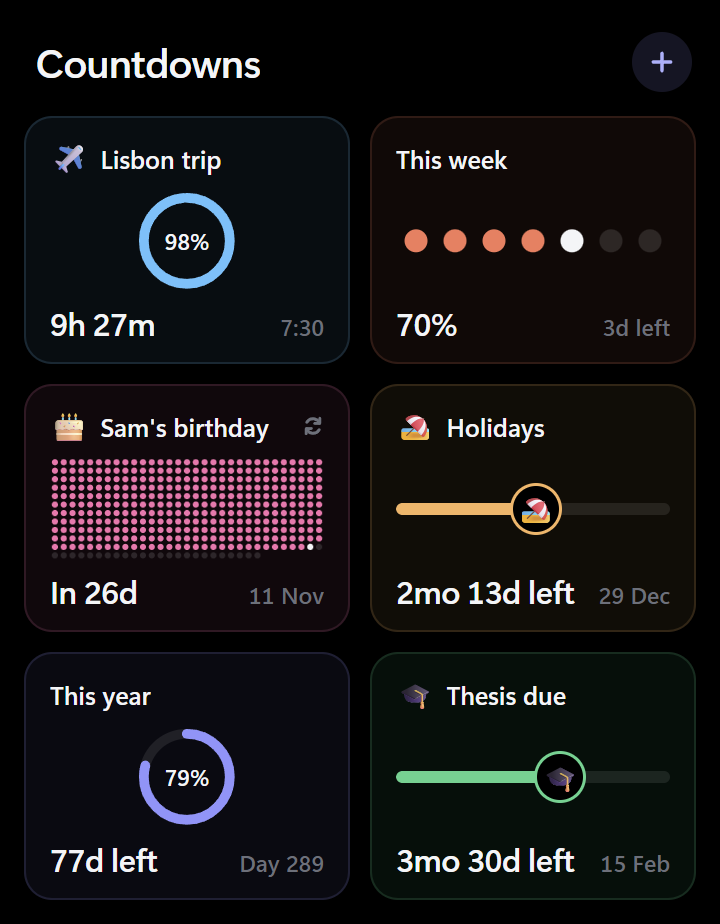
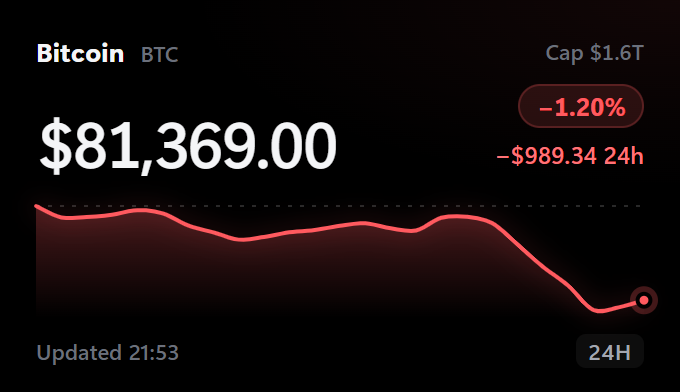
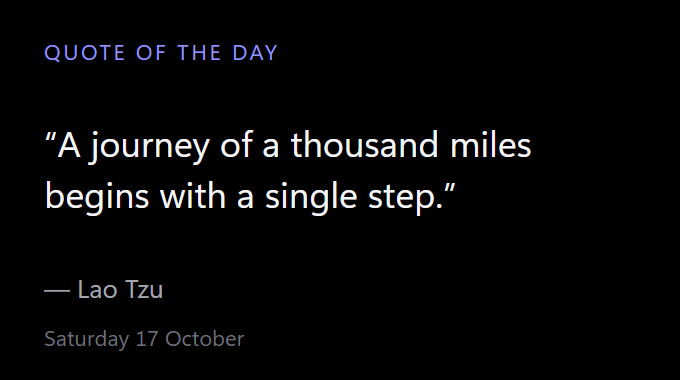
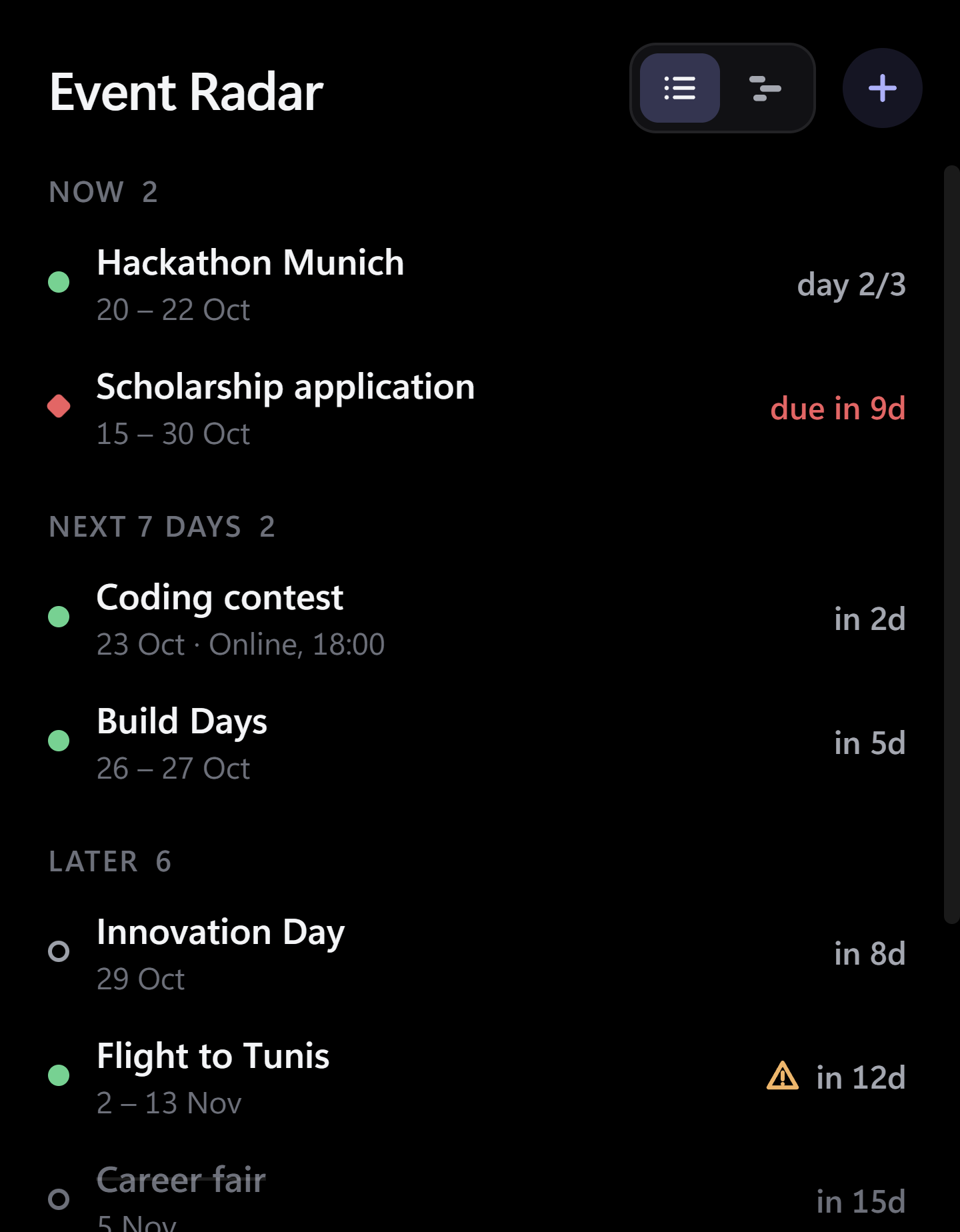
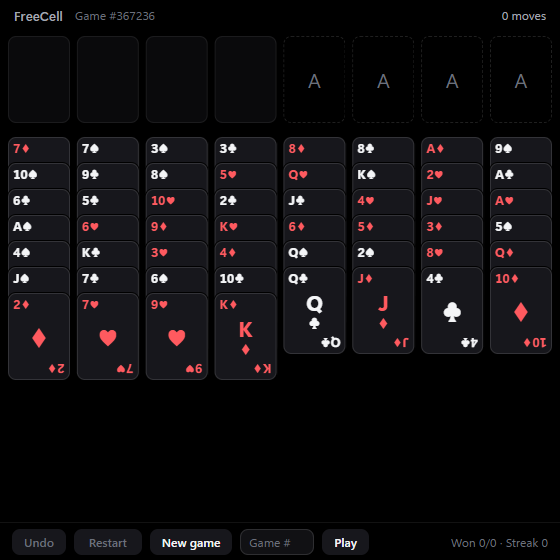
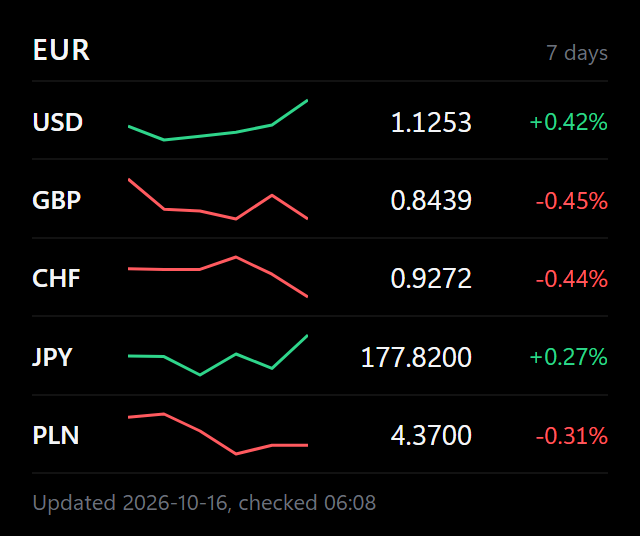
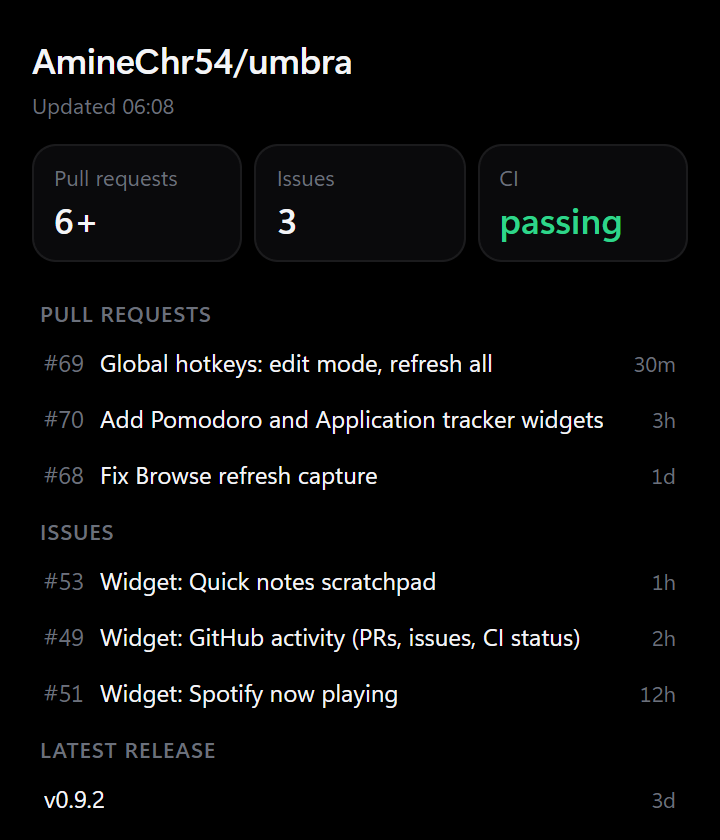
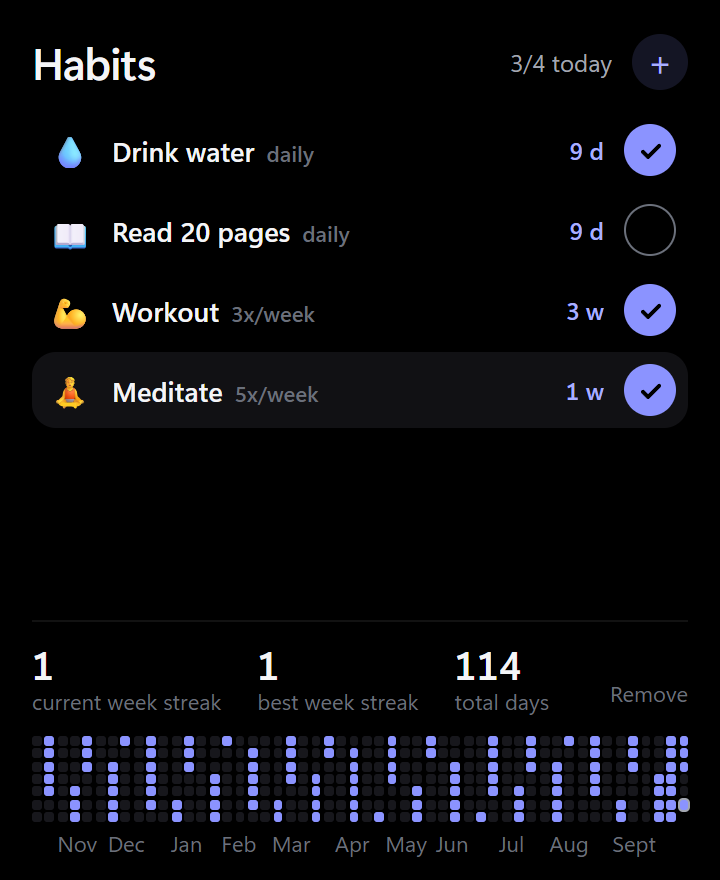
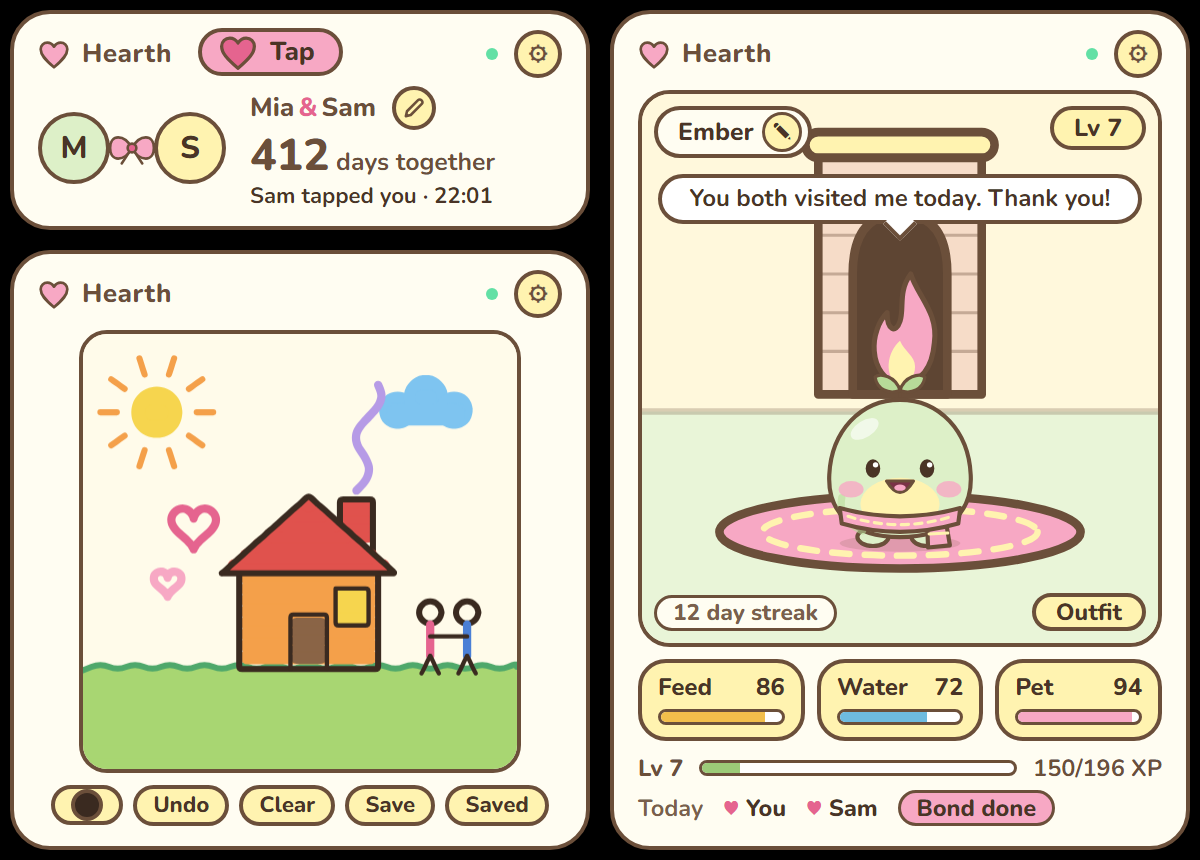
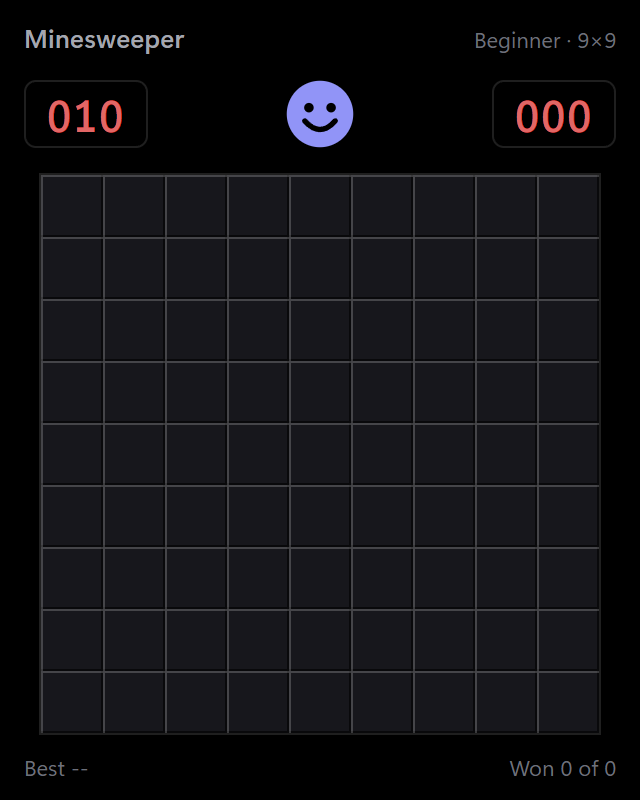
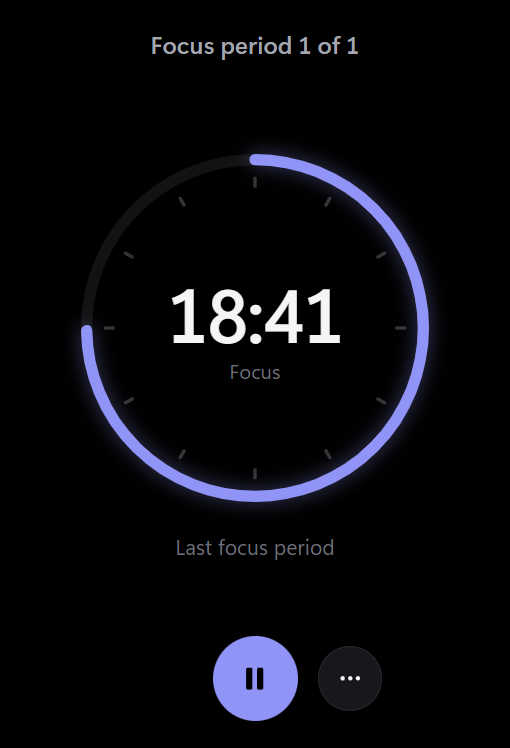
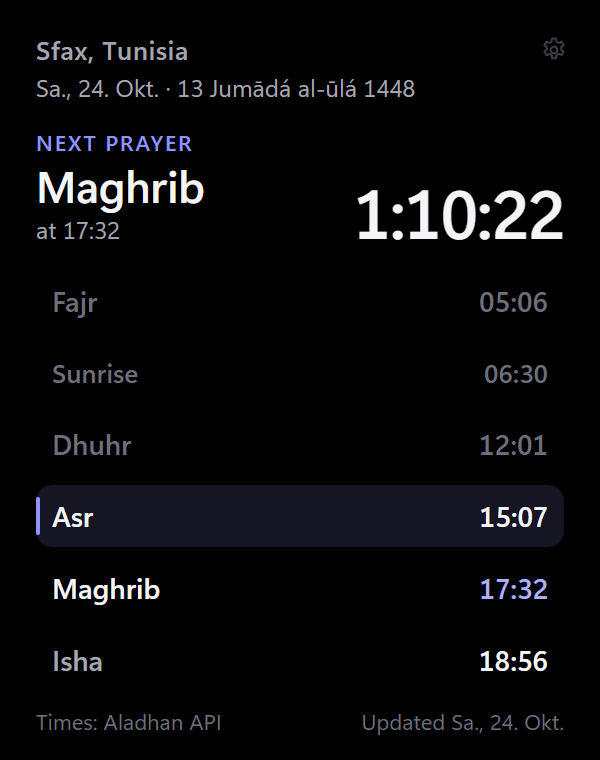
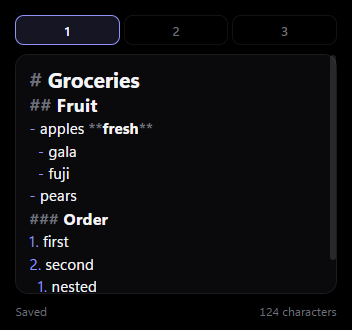
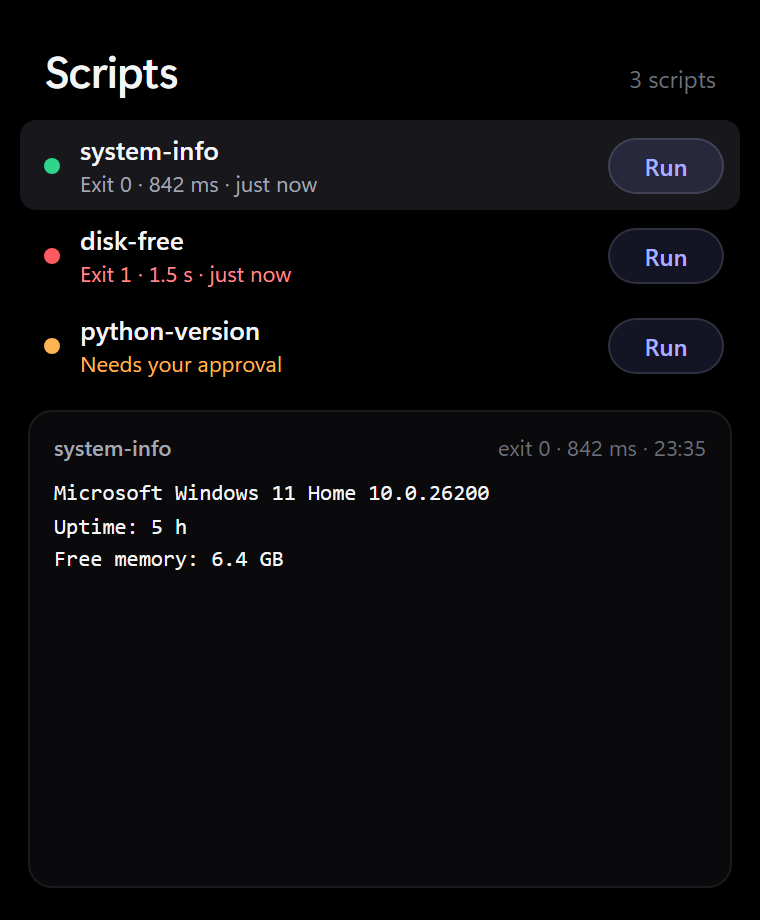
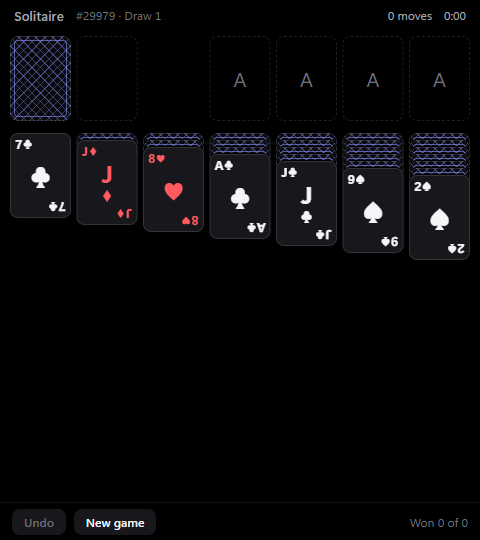
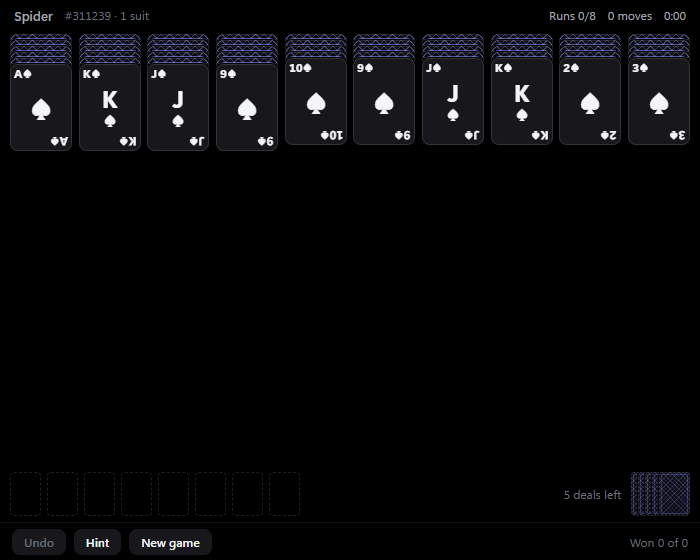
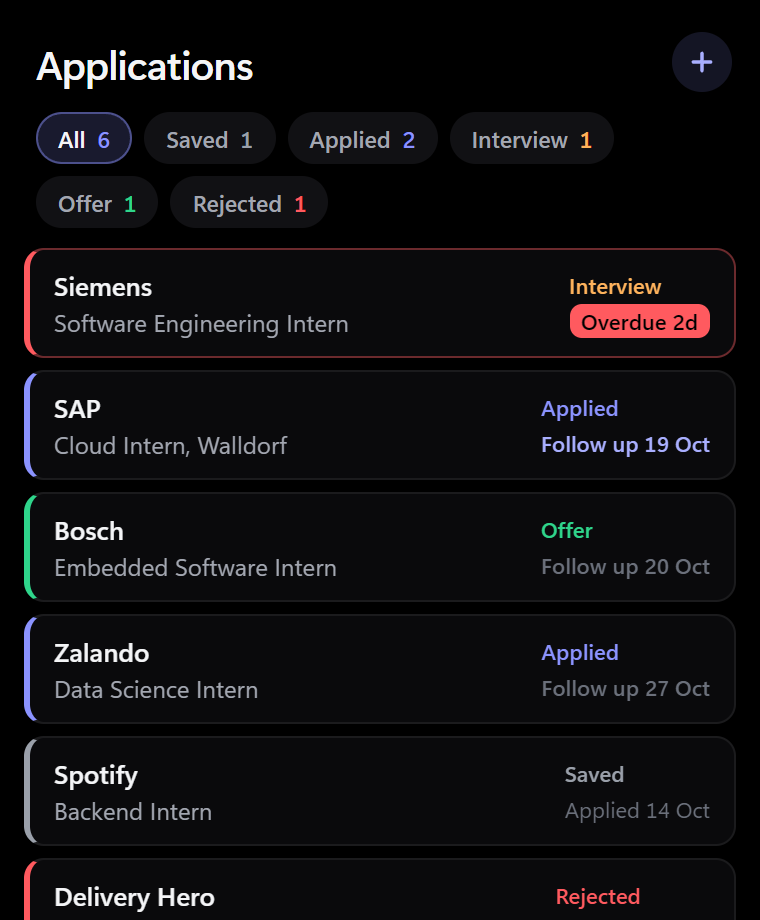
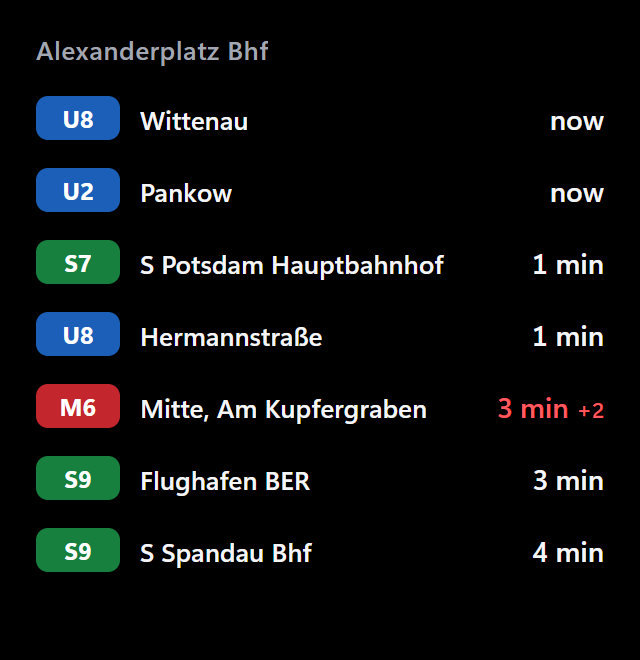
Markets, weather, to-dos, habits, timers, calendars, media, games. Every one is reviewed in a pull request and installs from Settings → Browse.
Built for the desktop
Opaque windows with corners drawn by Windows keep full ClearType text. On OLED the black pixels are simply off, so each card floats on your wallpaper.
Drag, resize, zoom and nudge with the arrow keys. Guides snap to edges, centers and gaps.
Global shortcuts for edit mode, refresh, hide, and a peek that lifts widgets above your apps for a few seconds.
No account, nothing phoned home. Your settings and data stay in %APPDATA%\Umbra.
Save named layouts per monitor setup and switch when you dock. Stack widgets in one spot with tab groups.
Run any widget twice with its own options, position and data.
With your permission, widgets send real Windows toasts or control what's playing.
Sandboxed
widget.json. Every other request gets a 403 from the host app.Themes
Themes recolor every widget at once, live, from Settings → Appearance. They're plain data with no code, and publishing one is a single theme.json.
Make it yours
HTML, CSS and JavaScript in a folder with a widget.json. No build step, no framework. Write it by hand, or hand the job to an AI agent over MCP.
Free, open source and a two-minute install. No account, no admin prompt.
Windows 10 (1809+) and Windows 11 · Portable zip and all releases